The 7 Best AI Product Photography Tools for Etsy Sellers (2026)
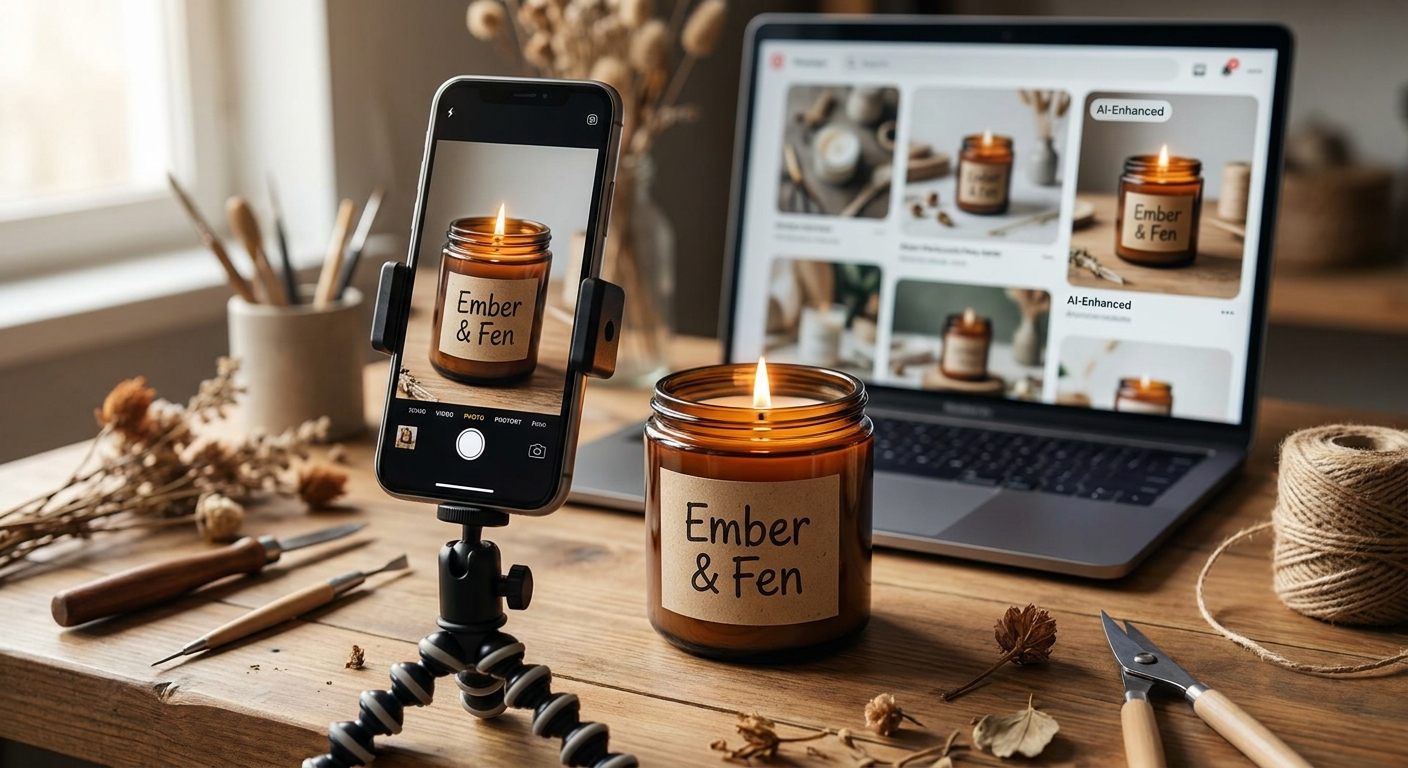
Product photos decide Etsy sales. Etsy's own seller research says shoppers rate photos as the single most important factor when deciding to buy — ahead of price, shipping cost, and reviews. But a professional studio shoot runs $30–$100 per product, which is impossible math for a shop with 50 listings.
That's why AI product photography exploded. In 2026 there are dozens of tools that turn a phone snapshot into a studio-grade listing image. We compared the seven that matter for Etsy sellers — honestly, including where each one loses.
Quick picks
- Fastest phone-to-listing workflow: Shotsell — free credits, then $9.99/mo (web + iOS)
- Best background removal & cleanup: Photoroom — free tier, then ~$12.99/mo
- Most lifestyle variations at once: Pebblely — free tier, then ~$19/mo
- Most control over branded scenes: Flair AI — free trial, then ~$10/mo
- Best all-in-one design suite: Canva Magic Studio — free tier, then ~$14.99/mo
- AI fashion models: Caspa AI / SellerPic — paid plans
1. Shotsell — fastest from phone photo to finished listing
Shotsell does one thing and optimizes everything around it: you photograph your product with your phone, pick a scene (clean studio, lifestyle, seasonal — or describe your own), and get a ready-to-list image in about 30 seconds.
Where it wins: speed and product accuracy. Shotsell follows what it calls the 85% Rule — your product fills 85–90% of the frame, the way top-converting Etsy listings actually look, instead of being shrunk into a scenic AI background. And because Shotsell rebuilds the scene around your product rather than regenerating the product itself, the item buyers see is exactly the item they receive — which matters for Etsy's accurate-listing policy (more below). It's built for marketplace sellers rather than general image editing, and the iOS app means the whole workflow happens on the device you shoot with.
Where it loses: it's not a general-purpose editor. If you want manual pixel-level retouching or graphic design features, pair it with Canva.
Pricing: free credits to start, Premium from $9.99/month.
2. Photoroom — the background removal standard
Photoroom earned its reputation: background removal is instant and precise, batch editing handles a 50-listing shop in one sitting, and the template library is huge.
Where it wins: cleanup of existing photos. If you already have decent shots and need them clean and consistent, Photoroom is excellent.
Where it loses: generated lifestyle scenes can look template-like, and the workflow is editing-centric — you're improving photos, not creating photography. See our full Photoroom comparison.
3. Pebblely — variations in bulk
Upload one photo, get dozens of AI lifestyle scenes. Pebblely is the fastest way to explore many looks for the same product.
Where it wins: volume and ease. Great for picking a direction.
Where it loses: less control over any single image, and products tend to occupy a small share of the frame inside busy scenes. Our detailed take: Pebblely alternative.
4. Flair AI — art direction for brands
Flair gives you a canvas: props, lighting, reflections, brand kits. The results can look genuinely premium.
Where it wins: cosmetics, candles, food — products that sell on atmosphere.
Where it loses: learning curve. It's a design tool; expect to invest hours, not seconds. Comparison: Flair.ai vs Shotsell.
5. Canva Magic Studio — the all-rounder
Canva's Magic Edit and background tools are decent, and nothing beats it for the rest of your shop: banners, size charts, Pinterest pins, social posts.
Where it wins: one subscription covers all your design needs.
Where it loses: product photography is a side feature — quality trails the specialists.
6. Caspa AI — AI models for fashion
Caspa generates on-model photography: your clothing on AI-generated humans, with shadows and fabric behavior handled well. Best if you sell apparel and can't afford model shoots; overkill for non-fashion shops.
7. SellerPic — marketplace clothing visualization
Similar territory to Caspa with a marketplace angle: AI try-on, fashion models, listing-ready crops. Best if you sell clothing or accessories across Etsy and other marketplaces.
Which one should you pick?
- You shoot with your phone and want listings done fast → Shotsell
- You have good photos that need cleanup → Photoroom
- You want 30 versions to choose from → Pebblely
- You're building a premium brand look → Flair AI
- You also need banners and pins → Canva
- You sell fashion → Caspa or SellerPic
Many sellers combine two: one photography tool (Shotsell, Pebblely or Flair) plus Canva for graphics.
A note on Etsy's rules for AI images
Etsy allows AI-assisted photography, but listing photos must accurately represent the physical product a buyer receives. The practical rule: change the scene, never the product. Tools that preserve your actual product — rather than generating an idealized version of it — keep you on the safe side of both Etsy policy and customer expectations.
Want an honest read on your current photos? Run a free shop photo report — paste your Etsy or Shopify URL and get a listing-by-listing assessment.